
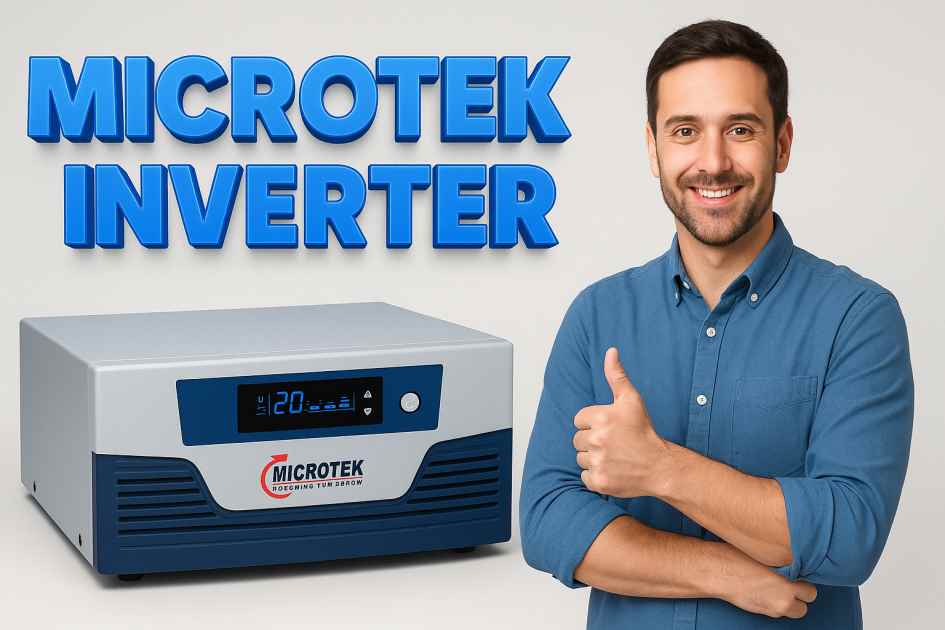
Microtek inverter is a household and commercial backup power solution that many people trust for reliable electricity when grid supply fails.
This guide explains what a microtek inverter is, how it works, which features to focus on and how to choose, operate and maintain the unit so you get the most value and peace of mind.
What is a Microtek Inverter
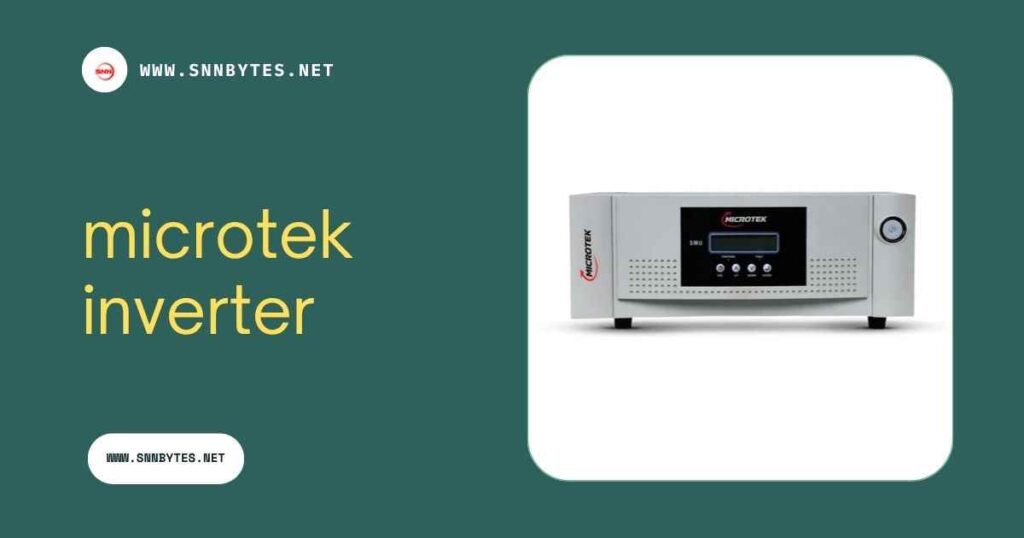
A microtek inverter converts battery power into alternating current that home appliances and office equipment can use. In normal times the inverter charges the battery and passes grid power to the load.
When grid power drops the inverter automatically switches to battery power to keep essential devices running. That automatic switch is one reason many homeowners and small businesses choose microtek inverter units.
How a Microtek Inverter Works in Simple Terms
At its core a microtek inverter contains an inverter stage battery charging stage and a control system. The charger keeps the battery healthy. The inverter stage creates stable AC output. The control system monitors grid voltage battery status and load demand. Together they make backup seamless. Some models add pure sine wave output intelligent battery management and digital displays for easier monitoring.
Common Features to Look for in a Microtek Inverter
- Output type including modified sine wave or pure sine wave
- Capacity rated in volt ampere or VA
- Battery compatibility sealed lead acid or tubular batteries or lithium options
- Efficiency rating and low battery cut off
- Overload protection and short circuit protection
- Display and user interface for status and error messages
- Warranty and brand support network
Quick Comparison Table of Typical Microtek Inverter Features
| Feature | What it means | Why it matters |
| VA rating | Maximum apparent power the inverter can handle | Choose VA based on total load to avoid overload |
| Wave form | Pure sine or modified sine | Pure sine is better for sensitive electronics |
| Battery type | Tubular sealed lead acid or lithium | Battery type affects runtime and lifespan |
| Charger current | How fast the battery charges | Higher current reduces recharge time |
Another Useful Table Showing Example Sizing Guidelines
| Home area | Typical appliances | Suggested minimum VA |
| Small bedroom or study | LED lights phone charger router | 500 to 900 |
| Living area with TV and fans | TV fans lights | 900 to 1500 |
| Small apartment essential load | Refrigerator TV lights fans | 1500 to 3000 |
How to Size a Microtek Inverter for Your Needs
Sizing an inverter means adding up the starting and running wattage of appliances you want to run during an outage then selecting a unit with a slightly higher VA rating. Motors like refrigerator compressors and air conditioners need more current at startup. So allow extra headroom. Also consider battery capacity in ampere hours and how long you want the backup to last. A bigger battery means longer runtime but also more cost and space.
Battery Choices and Compatibility
Most microtek inverter units work with different battery types but you should confirm compatibility before purchase. Tubular batteries have long cycle life and are a common choice in areas with frequent power cuts. Sealed batteries are low maintenance and fit well in compact setups. Lithium batteries are lighter and have higher cycle life but require compatible battery management systems and a higher upfront cost.
Installation Basics
Installation should follow safety standards and local electrical codes. Always use correct gauge wiring and good quality battery interconnects. Place batteries in a ventilated area away from direct sunlight and moisture. Make sure a qualified technician fits the inverter and tests the system under load. A bad connection or undersized cable can reduce performance and become a safety hazard.
Maintenance Checklist for Long Life
- Keep battery terminals clean and tight
- Inspect for corrosion water levels if using flooded batteries
- Check and record battery voltages monthly
- Keep vents and fan intakes free from dust
- Update inverter firmware if the model supports it
- Schedule a professional check annually
Troubleshooting Common Issues
If the inverter is not switching to battery during outage check battery voltage battery connections and the bypass settings. If the unit shows overload warnings reduce load by disconnecting non essential appliances. For recurring issues contact authorized service centers to inspect the charger circuit and power electronics.
Energy Saving Tips When Using a Microtek Inverter
- Use energy efficient appliances and LED lighting
- Avoid running large motor loads on inverter more than necessary
- Unplug unused chargers and devices
- Use power strips with switches to manage standby drain
- Balance loads across phases if you have a three phase setup
Safety and Best Practices
Batteries can contain hazardous chemicals and produce explosive gases during charging. Ventilate battery rooms. Keep open flames and sparks away. Use insulated tools when working on battery connections. Turn off the inverter and isolate the battery before doing any maintenance. Proper earthing of the inverter and the battery negative is essential to reduce shock risk.
Pros and Cons of Choosing a Microtek Inverter
Pros
- Reliable brand presence in many regions
- Wide range of capacities for different needs
- Many models offer user friendly displays and protections
- Compatible with multiple battery types depending on model
Cons
- Some units require professional installation adding to cost
- Pure sine models and lithium ready models cost more
- Regular battery maintenance is needed with certain battery types
Cost Considerations and Total Cost of Ownership
The upfront cost of a microtek inverter plus battery and installation makes the total initial investment significant. Over time battery replacements and maintenance add to cost of ownership. Compare warranty terms and service coverage. Sometimes paying a little more for a model with better efficiency or longer warranty reduces lifetime cost.
Common Mistakes Buyers Make
- Buying an inverter with insufficient VA rating for the household load
- Under estimating battery capacity and runtime needs
- Choosing a cheaper battery that needs frequent replacement
- Ignoring authorized service network when buying
Checklist for Final Purchase Decision
- Confirm the required VA and battery capacity
- Check wave form output for sensitive electronics
- Review warranty and local service support
- Verify installation and safety features
- Ask for a demonstration of switching and battery health indicators
Installation Step by Step for First Time Users
- Choose inverter location close to battery area and service panel
- Fix the inverter on a firm surface with proper clearances
- Connect battery with correct polarity and tight connectors
- Connect inverter output to distribution panel or to a sub circuit
- Set charging parameters if the unit allows
- Perform a simulated power cut to test automatic switching
How to Extend Battery Life
Charge the battery fully after each major discharge cycle. Avoid deep discharges where possible. For flooded batteries maintain water levels as instructed by the battery maker. For sealed batteries follow manufacturer charging recommendations. Keep batteries in moderate temperatures. Extreme heat shortens battery life significantly.
How to Handle a Power Outage Efficiently
Plan which appliances are essential. Prioritize refrigerator lights charging phone and any medical devices. Use energy saving modes on appliances. Turn off non essential loads and stagger usage of heavy loads to prevent overloads.
When to Replace the Battery or Unit
Batteries typically show reduced runtime and dropping voltage under load before they fail. If you notice a steady decline in backup time after proper maintenance it is time to test the battery with a load test and replace if capacity is below recommended thresholds. The inverter itself may need service if it frequently trips or shows fault codes that cannot be cleared.
Signs of a Healthy Inverter System
- Stable AC output under varying load
- Fast and correct automatic switching during test outages
- Battery charging at expected current and reaching full charge
- No unexplained fault codes or overheating
Eco Friendly Considerations
Choosing efficient inverters and pairing them with high quality batteries reduces the need for early replacements and improves environmental impact. Consider recycling old batteries through authorized recycling programs to avoid pollution.
Conclusion
A microtek inverter is a practical solution for reliable backup power in many homes and small businesses. The right choice depends on careful sizing battery selection and following safe installation and maintenance practices.
With regular care your system will deliver dependable backup and protect your electronics through power interruptions.
Frequently Asked Questions
What type of battery works best with a microtek inverter
A: Tubular batteries are common for long life and deep cycle performance while sealed batteries reduce maintenance. Lithium batteries are an advanced option but confirm compatibility with the inverter before installing.
How do I calculate the VA rating needed for my microtek inverter
A: Add the running wattage of appliances you want to run then account for starting current of motors. Convert watts to VA by dividing by power factor or use a safety margin of about twenty percent above estimated load.
Can I install a microtek inverter myself
A: Basic mounting and wiring can be done by a skilled person but it is safer to hire a qualified electrician to ensure correct earthing wiring sizes and compliance with local regulations.
How often should I service the battery used with microtek inverter
A: Monthly visual checks and voltage records help catch issues early. Professional inspection yearly is recommended to test capacity and connections.
What does pure sine wave output mean for my devices
A: Pure sine wave output closely matches utility grid power and is safer for sensitive electronics, audio equipment and variable speed motors. It reduces noise and potential d.
Pingback: Stabilizer Guide for Smooth Reliable Performance