
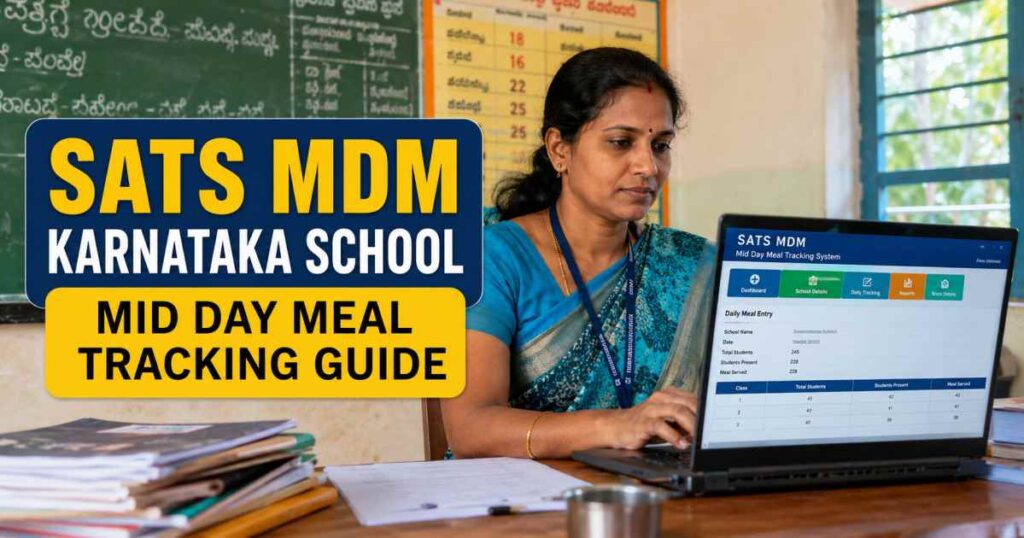
The Students Achievement Tracking System, commonly known as SATs MDM, serves as a digital backbone for the Karnataka school education department. Its primary purpose is to ensure transparency and efficiency in the distribution of midday meals across state schools.
By digitizing attendance and meal consumption data, the portal enables the government to monitor nutritional support, track student attendance, and manage food resources effectively.
What is the Sats Mdm Portal and Its Purpose
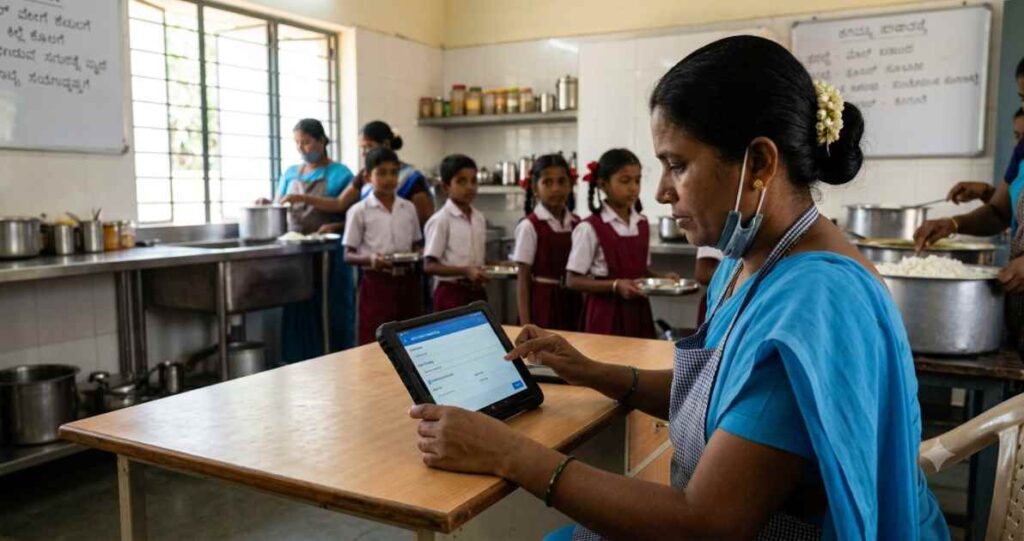
The Student Achievement Tracking System PM POSHAN portal, widely recognized as the Sats MDM portal, serves as the primary digital framework managed by the Department of School Education and Literacy in Karnataka. The primary purpose of this tracking infrastructure is to monitor and automate the daily distribution of the Mid-Day Meal scheme across thousands of government and government-aided schools.
By transitioning from traditional paper logs to this streamlined cloud-based utility, school authorities can maintain real-time accountability for student nutrition, grocery resource distribution, and funding use. I have closely observed how this system prevents resource leakage and ensures that every eligible student receives fresh, hygienic meals in accordance with state mandates.
Essential Requirements for Sats Mdm Data Entry
To ensure uninterrupted functionality and precise reporting, school administrators must secure specific technical and administrative prerequisites before attempting any data updates.
- Authorized Infrastructure: A desktop computer, laptop, or smartphone running up-to-date operating systems.
- Stable Connection: Continuous internet access to sync local records with the central state database server.
- School Credentials: A unique District Information System for Education code, along with assigned administration passwords.
- Enrolled Database: Up-to-date child data profiles synced from the primary tracking dashboard.
- Hardware Token: A registered mobile phone device capable of receiving one-time passwords for validation.
Step-by-Step Guide for Logging into Sats Mdm
Accessing the official administrative panel requires strict adherence to security protocols to ensure clean data management. I will provide you with a clear explanation of the procedure.
Web Portal Access
Open the official browser and navigate directly to the official State Tracking Dashboard at sts.karnataka.gov.in/sats/mdm/login. Ensure that the web connection is secure before typing sensitive operational details.
Enter System Credentials
Input the designated institutional username and corresponding password into the specified text boxes. Select the dedicated option labeled Click here for MDM Activity to route your login context to the meal dashboard.
Verification and Capcha Completion
Carefully read the alphanumeric security puzzle displayed on screen and enter it into the captcha input box exactly as shown.
Direct Authentication
Click on the login button. If your profile requires secondary protection, wait for the security code to arrive on your registered smartphone, then submit it to access the central administrative system.
Alternative Mobile Login
For administrators utilizing portable devices, open the official SATS MDM app on your smartphone, input your specific profile credentials, and establish your connection via the instant OTP verification prompt.
How to Manage Daily Attendance and Meal Tracking
Managing student logs on a day-to-day basis requires swift, accurate entry parameters to accurately reflect genuine classroom presence.
| Tracking Parameter | Technical Field Mapping | Update Window Limit |
| Student Presence | Headcount Sync From Daily General Roster | Before 11:30 AM Daily |
| Served Count | Total Meals Prepared and Distributed | Before 1:30 PM Daily |
| Staff Attendance | Cook cum Helper Operational Status Active | Daily Lock Process |
I recommend validating the total headcount against classroom registers before committing changes. Once you save the data in the SATs MDM app or browser interface, the system locks the entries to generate daily regional reports automatically.
Importance of Recording Nutritional Supplements Accurately
Maintaining an unblemished record of additional nutritional inputs goes beyond simple compliance metrics. The portal tracks items like boiled eggs, fortified milk powders, and chikki bars given to students to combat regional malnutrition trends. Accurate data input ensures that supply replenishment requests align precisely with real consumption metrics. Missing entries can lead to artificial stock shortages, which directly impact student health outcomes.
Managing Food Grain Stock and Inventory Reports
The core stability of the mid-day meal program relies entirely on proactive grain storage management. School managers must record every incoming delivery voucher containing quantities of rice, wheat, split pulses, and cooking oils.
Inward Entry
Log inbound food grain distributions by recording invoice numbers, net weights, and delivery dates immediately upon physical arrival at school storage units.
Daily Deductions
The platform applies an auto-reduction rule based on the day’s total meal consumer count, automatically subtracting specified gram units per student.
Closing Balance Checks
Perform weekly physical inspections of the remaining sacks to confirm that the actual warehouse conditions match the numerical statistics shown in your digital dashboard.
Troubleshooting Common Issues in the Sats Mdm Portal
System blockages or communication errors can sometimes interrupt urgent reporting schedules. Here are the most effective fixes for regular operations.
- Authentication Rejections: Check whether your Caps Lock key is active. Use the official reset link option to verify if the school user password was recently modified.
- Data Sync Failures: If the smartphone utility stalls, check your mobile network. Switch your app to offline mode to store reports locally until you regain internet access.
- Student Profile Missing: This typically means a student record is incomplete on the main tracking platform. Re-index the student list via the dashboard settings to refresh your app view.
- Server Time Out Latency: High web traffic can cause lag near reporting deadlines. Clear your browser’s temporary files, delete your cookies, or try submitting early in the morning.
Ensuring Compliance with Government Reporting Standards
The central educational boards and local auditors analyze portal outputs regularly to ensure financial clarity. Every byte of data entered on the sts karnataka gov in sats mdm login space must maintain structural parity with physical invoice books. Any lingering mismatch can create unnecessary hurdles during school audits or result in temporary funding holds. Proper compliance guarantees that cook wages and grocery allocations arrive on time without administrative delays.
Tips for Maintaining Accurate Records in Sats Mdm
I find that establishing a strict operational routine is the best way to prevent data discrepancies over time. Assign dedicated recording hours to a specific team member to avoid duplicate entries. Make it a rule to save physical supply receipts inside organized binders sorted by month. Regularly update your browser versions to prevent script compatibility issues when accessing web features.
Frequently Asked Questions about Sats Mdm Operations
What should I do if the mid-day meal data is entered incorrectly?
You must submit an explicit correction request to your local Block Education Officer portal before monthly data locking happens.
Can the tracking application work without active internet connectivity?
Yes, the smartphone utility records daily food data offline and automatically syncs it to the network when your device reconnects.
Where do I update information about new cook hirings?
You can update these details under the personnel tab by inputting their bank account data and identity records for salary processing.